Product Updates
Discover everything you need to keep your DG Technologies hardware current, in one place: software updates, manuals, datasheets, quick start guides and supported protocols for every product we build. Bookmark this page. When a new update ships, it lands here first – no need to hunt across multiple pages to find what you own.
Heavy-Duty Technician Tools – DPA Family
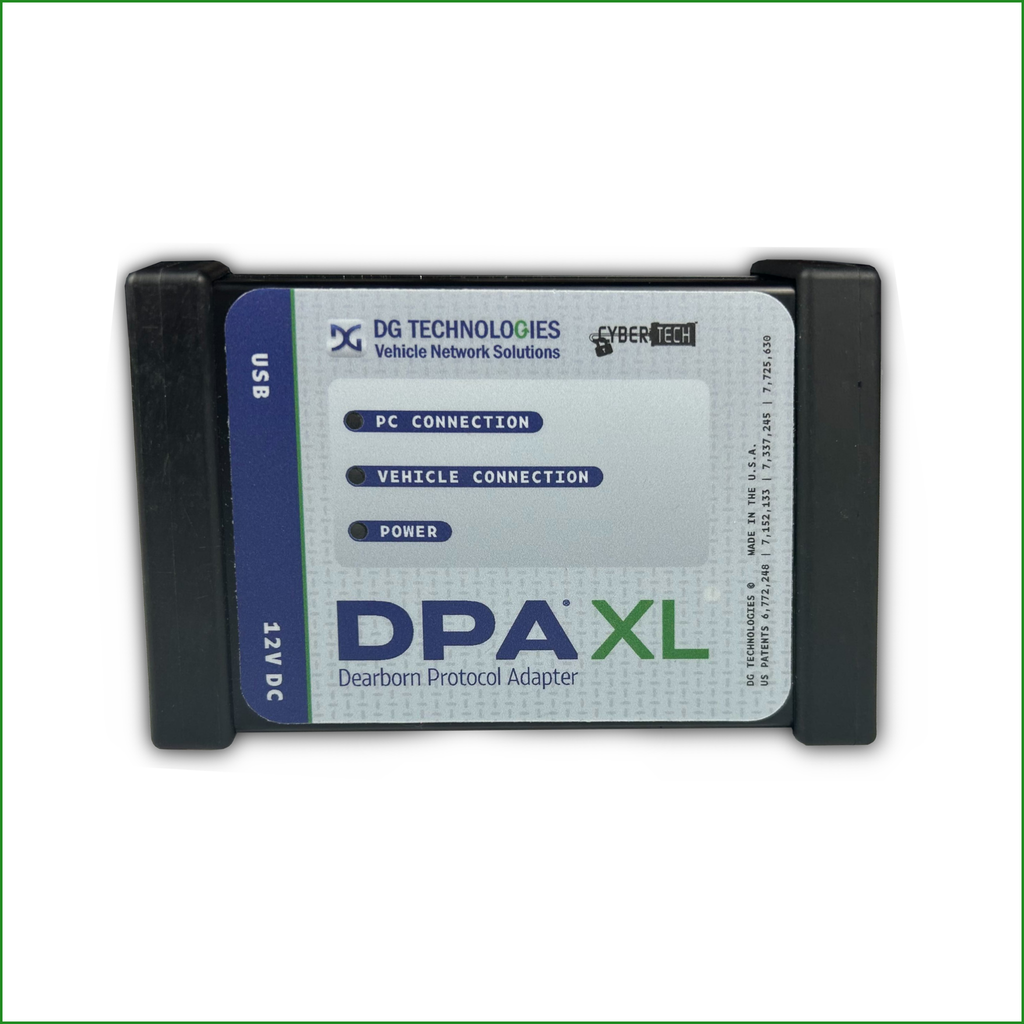
DPA XL
This update enhances low-level driver architecture for reliable pass-through communication, accurate network detection and fast message handling during diagnostics and ECU programming.
The install package includes updated versions of drivers, support applications, firmware and release notes.
The upgrade process requires two steps: 1. Run the installer. 2. Launch the DPA XL Firmware Updater to complete the tool upgrade.
Install Version: 3.17
Firmware Version: 3.16
Automotive Technician Tools – VSI Family
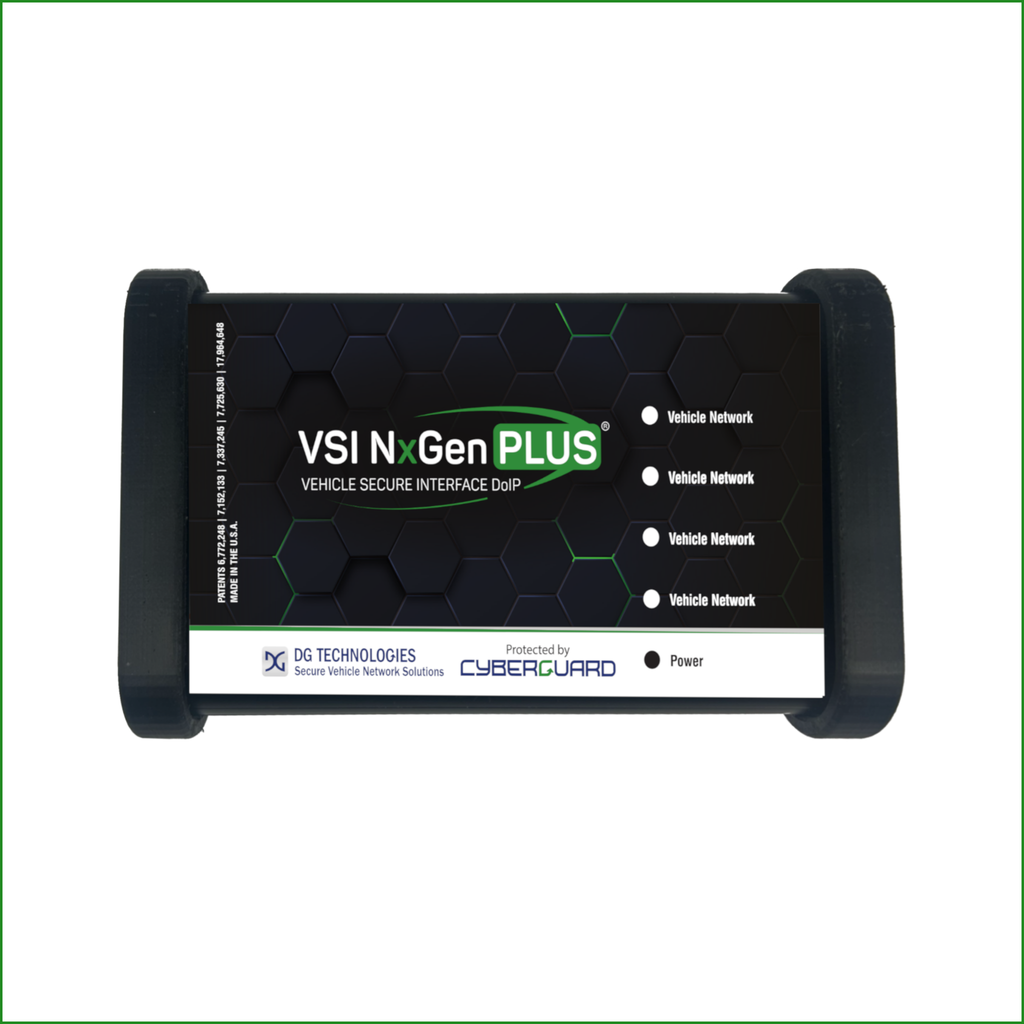
VSI NxGen PLUS
This update for DG’s VSI NxGen PLUS automotive scan tool features more accurate network detection to prevent false fault codes and faster message handling for quicker diagnostics and programming.
The install package includes updated versions of drivers, support applications and release notes. The firmware application requires internet access.
The upgrade process requires two steps: 1. Run the installer. 2. Launch the Secure Firmware Solution to upgrade the tool’s firmware.
Install Version: 3.17
Firmware Version: 3.17
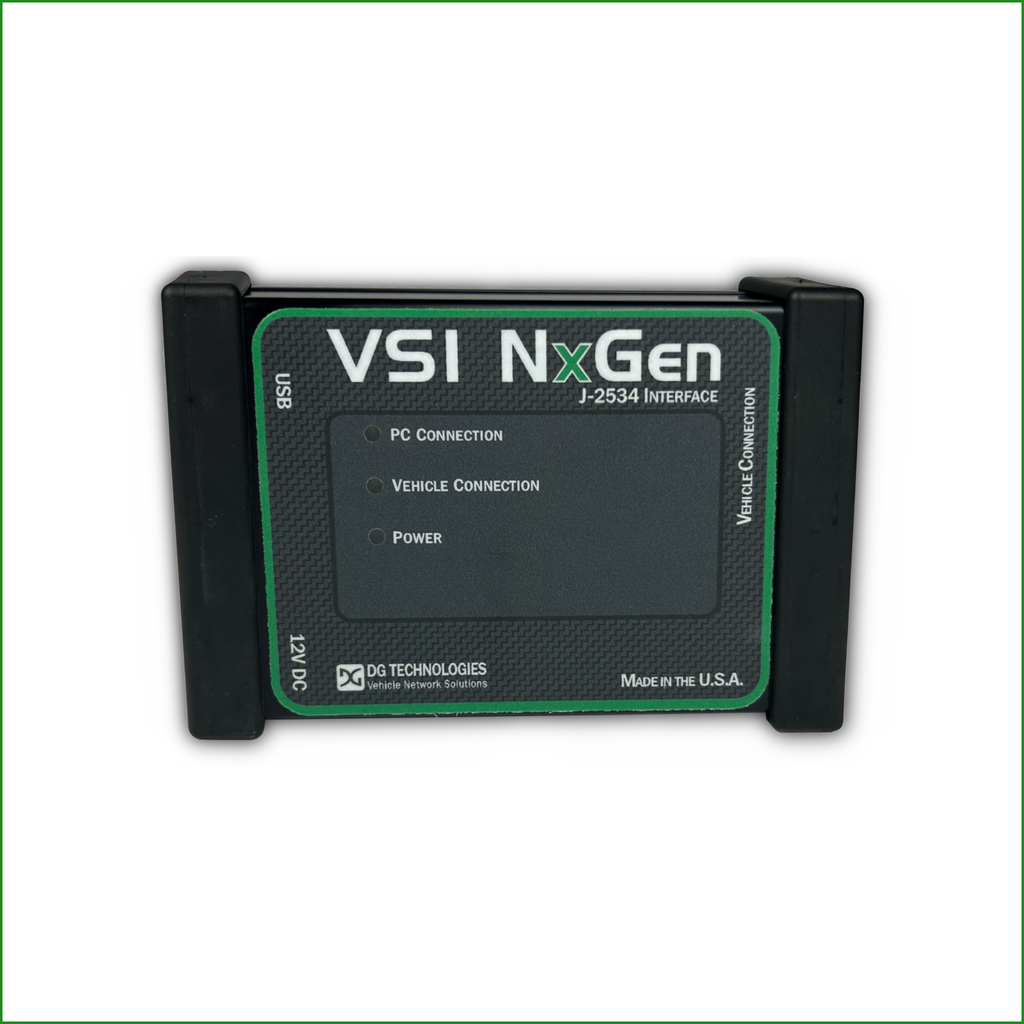
VSI NxGen
This version for DG’s VSI NxGen automotive pass-thru device updates core driver and configuration software to ensure seamless SAE J2534 compliance, stable vehicle communication and reliable ECU programming.
The install package includes updated versions of drivers, support applications, firmware and release notes.
The upgrade process requires two steps: 1. Run the installer. 2. Launch the VSI NxGen Firmware Updater to complete the tool upgrade.
Install Version: 3.17
Firmware Version: 3.16
Engineering Tools
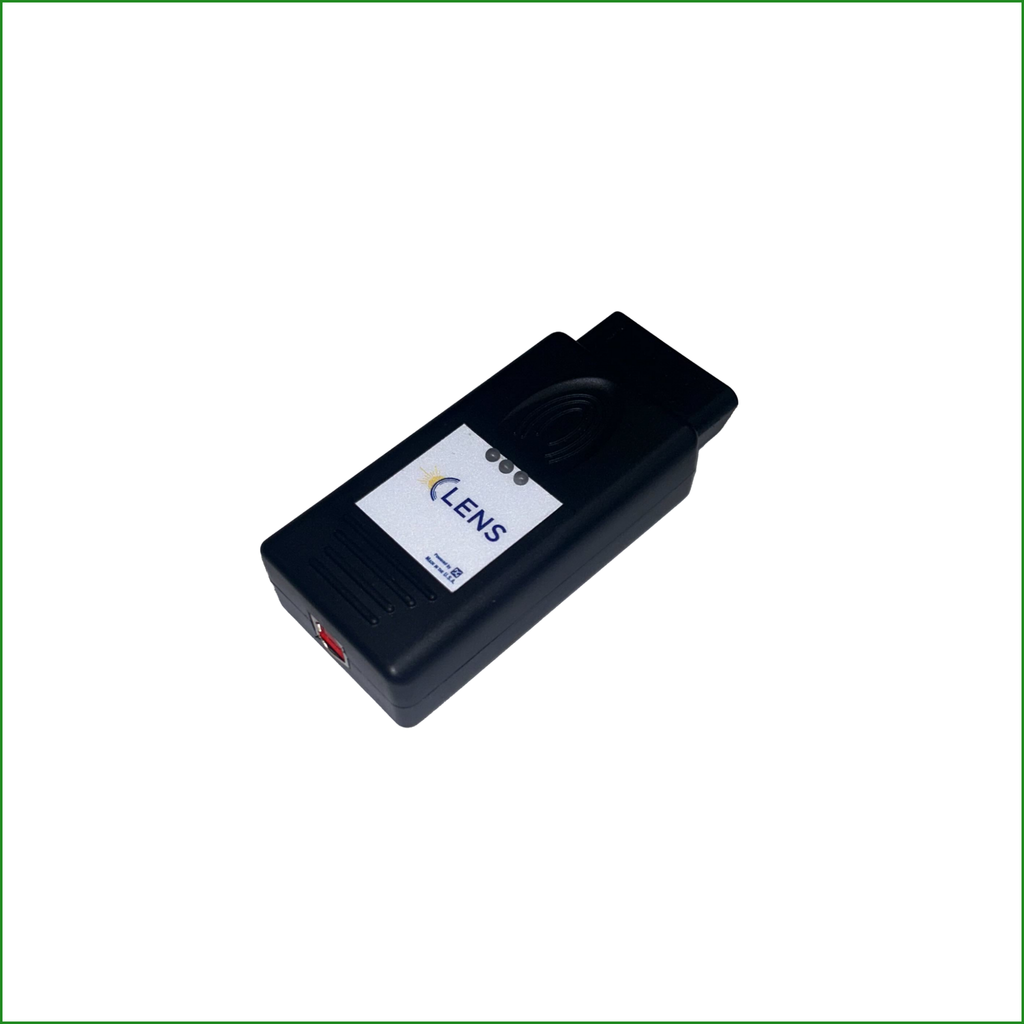
LENS
This release for DG’s palm-size LENS diagnostics and reflashing tool establishes baseline support across its core vehicle network drivers and utilities.
See user quick start guide and user manual for updating firmware.
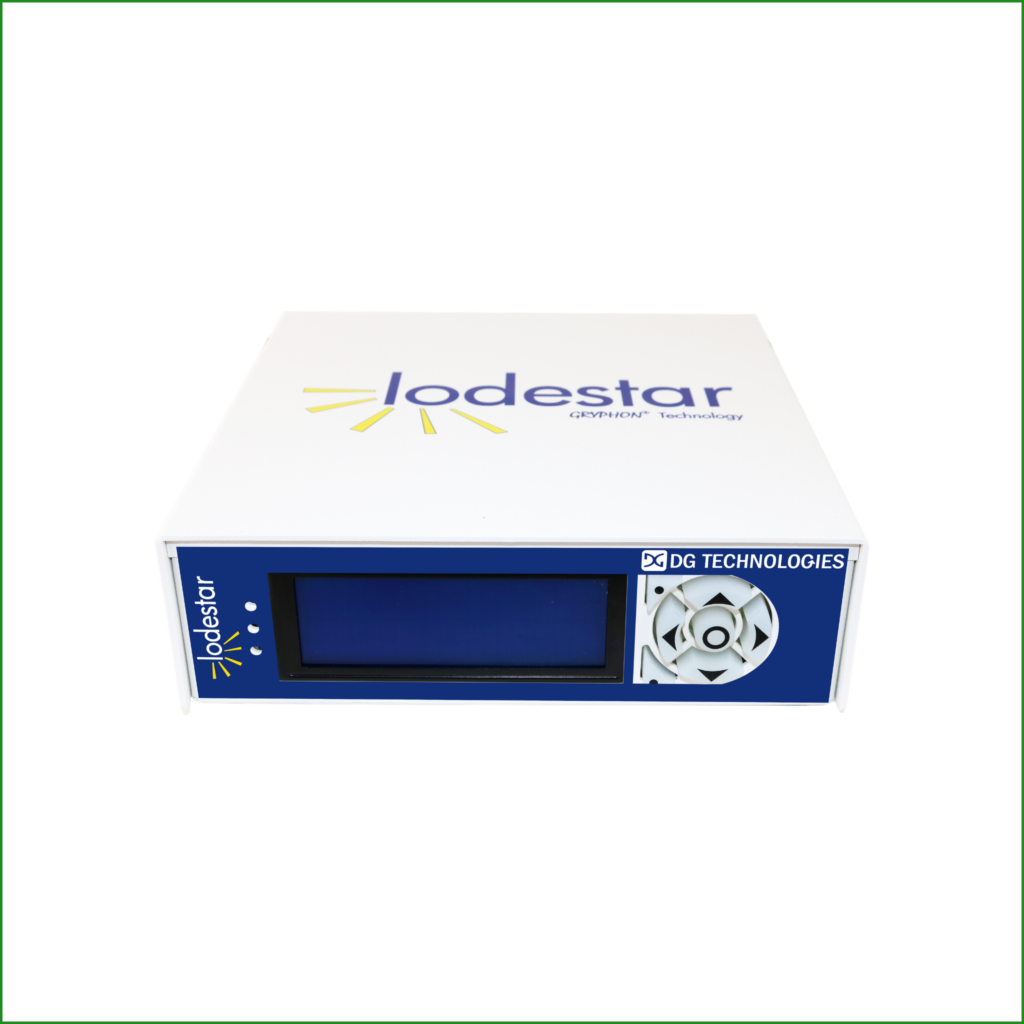
Lodestar
This update of DG’s Lodestar multi-channel vehicle network design, analysis and development tool features an onboard LCD screen.
See quick start guide and user manual for updating firmware.
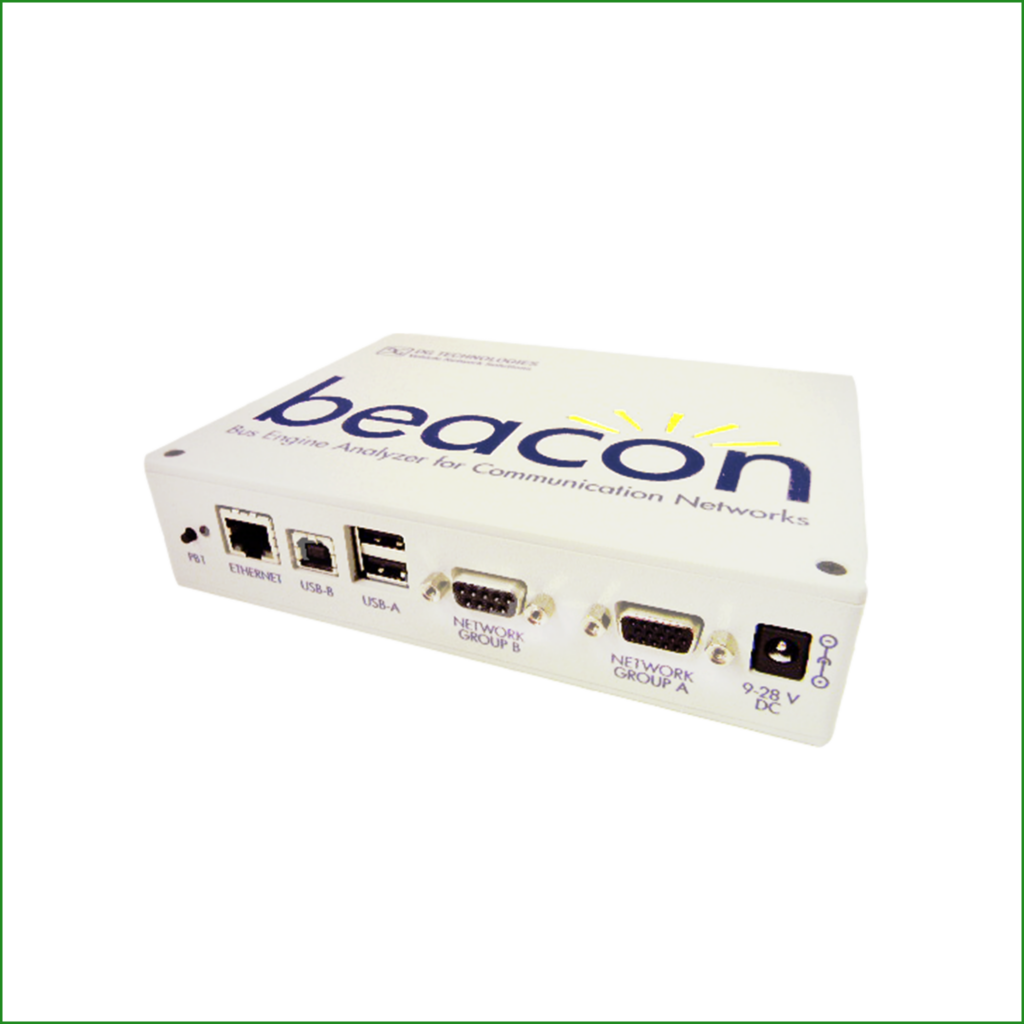
Beacon
This update is for DG’s Beacon (Bus Engine Analyzer for Communication Networks) multi-channel hardware interface.
See quick start guide and user manual for updating firmware.
Legacy Products – No Longer Supported
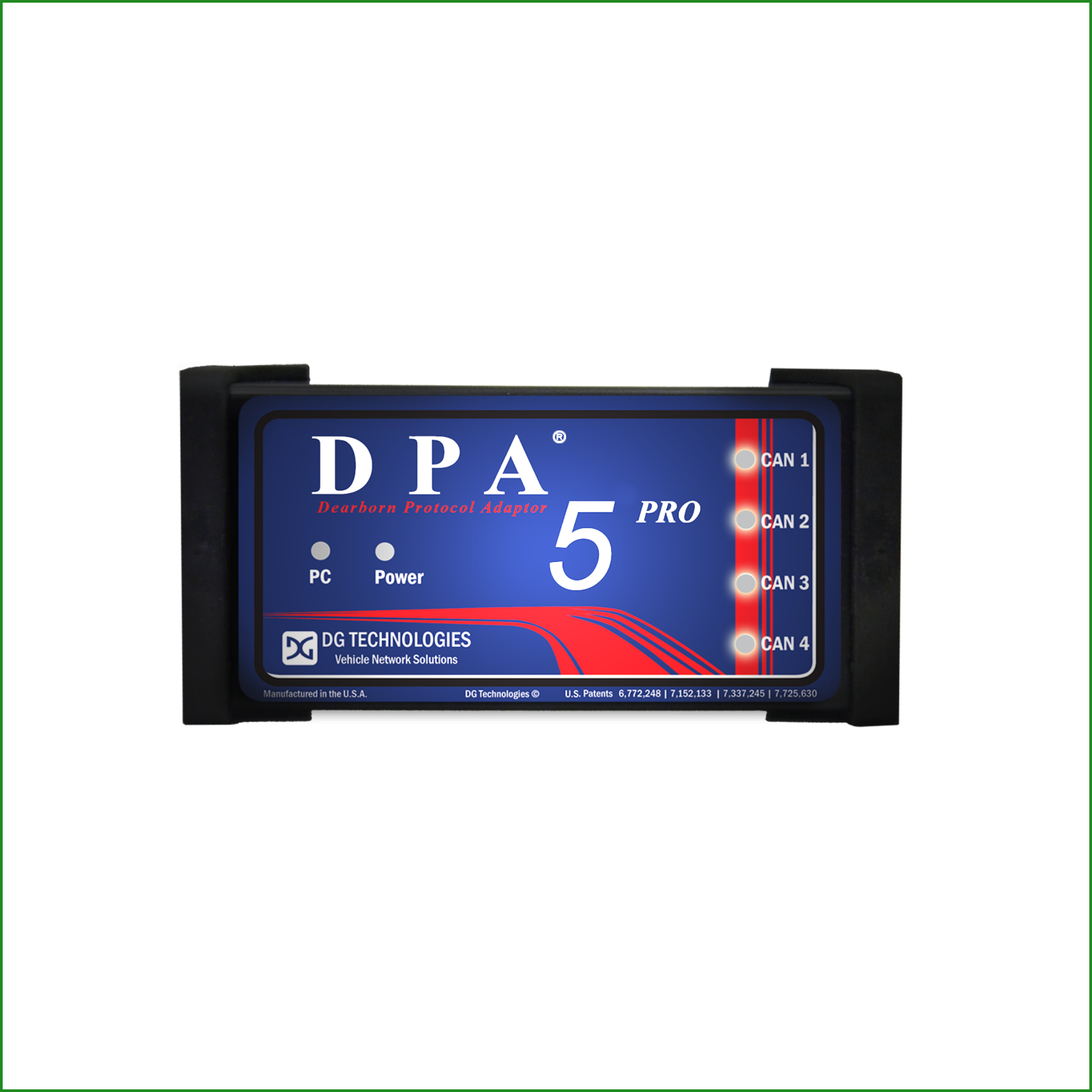
DPA 5 PRO
Legacy: Heavy-Duty / Medium-Duty
This update for DG’s DPA 5 PRO medium- and heavy-duty scan tool includes updated adapter firmware and driver updates.
The install package includes updated versions of drivers, support applications, firmware and release notes.
The upgrade process requires two steps: 1. Run the installer. 2. Launch the firmware updater to complete the tool upgrade.
Install Version: 5.07
Firmware Version: 65.417
Continued use of this device may result in compatibility issues and limited performance. DG no longer provides tech support for this device.
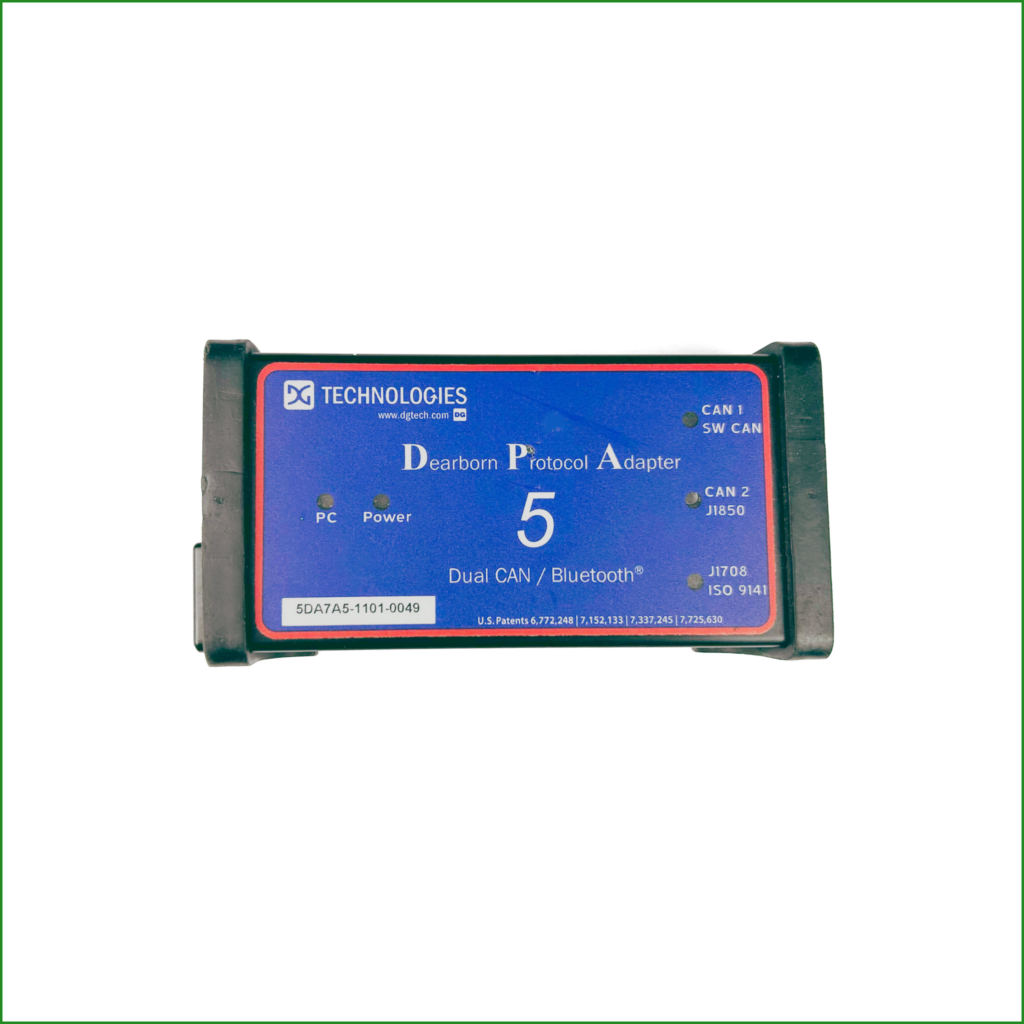
DPA 5
Legacy: Heavy-Duty / Medium-Duty
This update for DG’s DPA 5 medium- and heavy-duty scan tool includes updated adapter firmware and driver updates.
The install package includes updated versions of drivers, support applications, firmware and release notes.
The upgrade process requires two steps: 1. Run the installer. 2. Launch the firmware updater to complete the tool upgrade.
Install Version: 5.07
Firmware Version: 65.417
Continued use of this device may result in compatibility issues and limited performance. DG no longer provides tech support for this device.
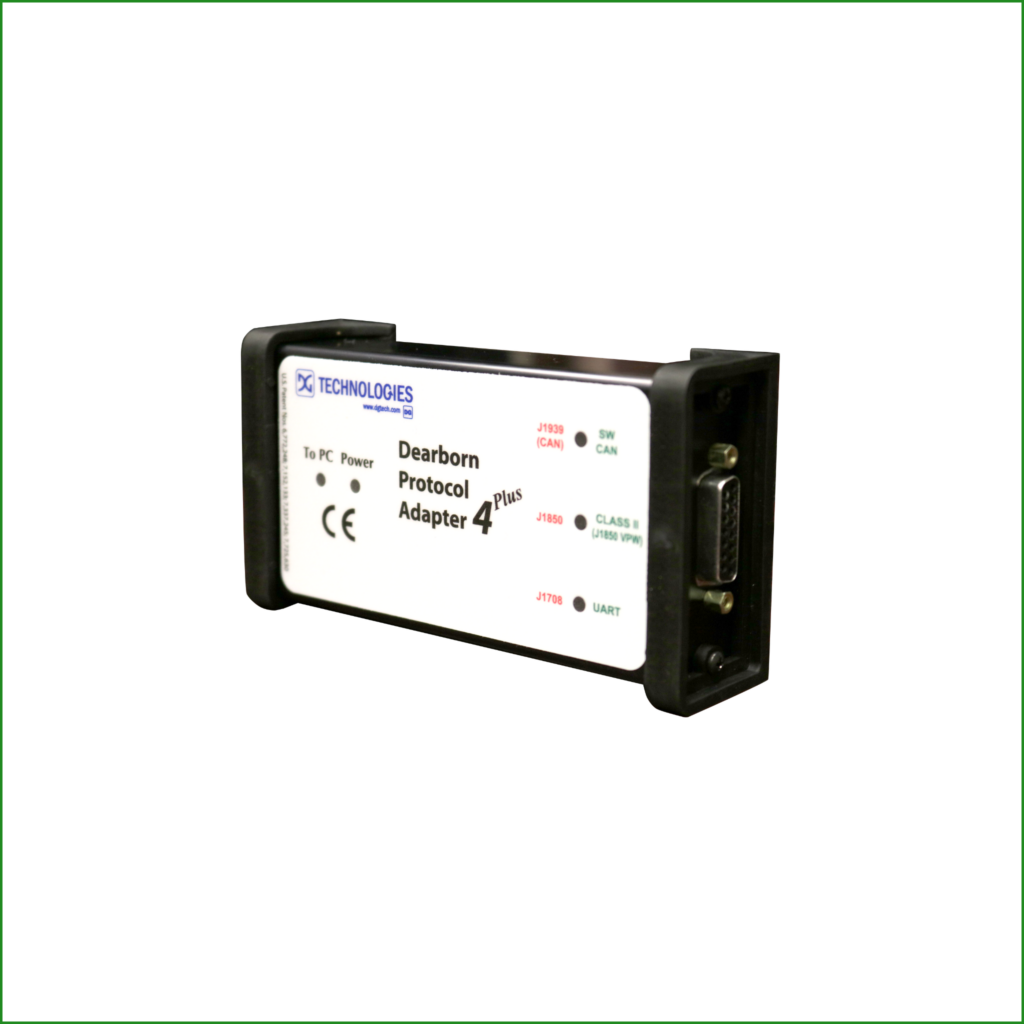
DPA 4 PLUS
Legacy: Heavy-Duty / Medium-Duty
This update for DG’s DPA 4 medium- and heavy-duty scan tool includes updated adapter firmware and driver updates.
The install package includes updated versions of drivers, support applications, firmware and release notes.
The upgrade process requires two steps: 1. Run the installer. 2. Launch the firmware updater to complete the tool upgrade.
Continued use of this device may result in compatibility issues and limited performance. DG no longer provides tech support for this device.
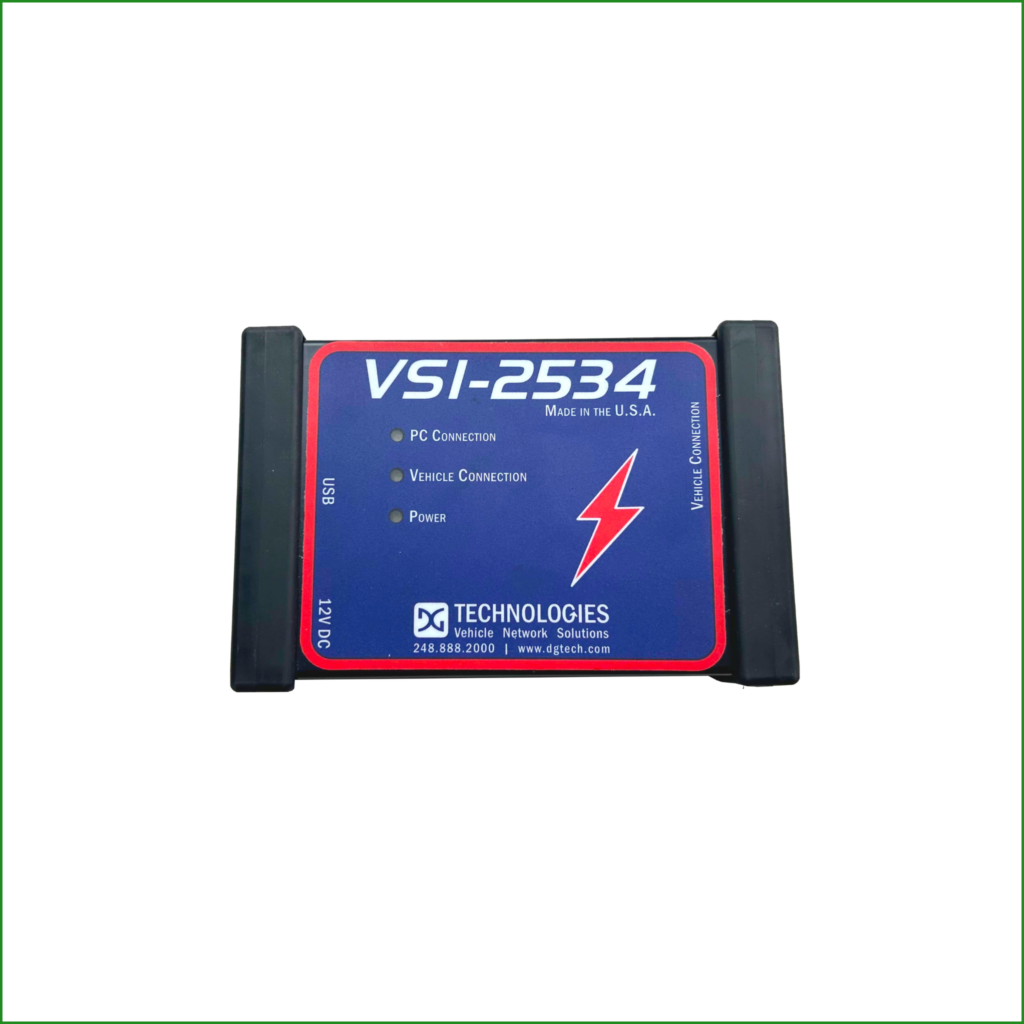
VSI-2534
This update for DG’s VSI-2534 automotive pass-thru device includes updated adapter firmware and driver updates.
The install package includes updated versions of drivers, support applications, firmware and release notes.
The upgrade process requires two steps: 1. Run the installer. 2. Launch the firmware updater to complete the tool upgrade.
Continued use of this device may result in compatibility issues and limited performance. DG no longer provides tech support for this device.
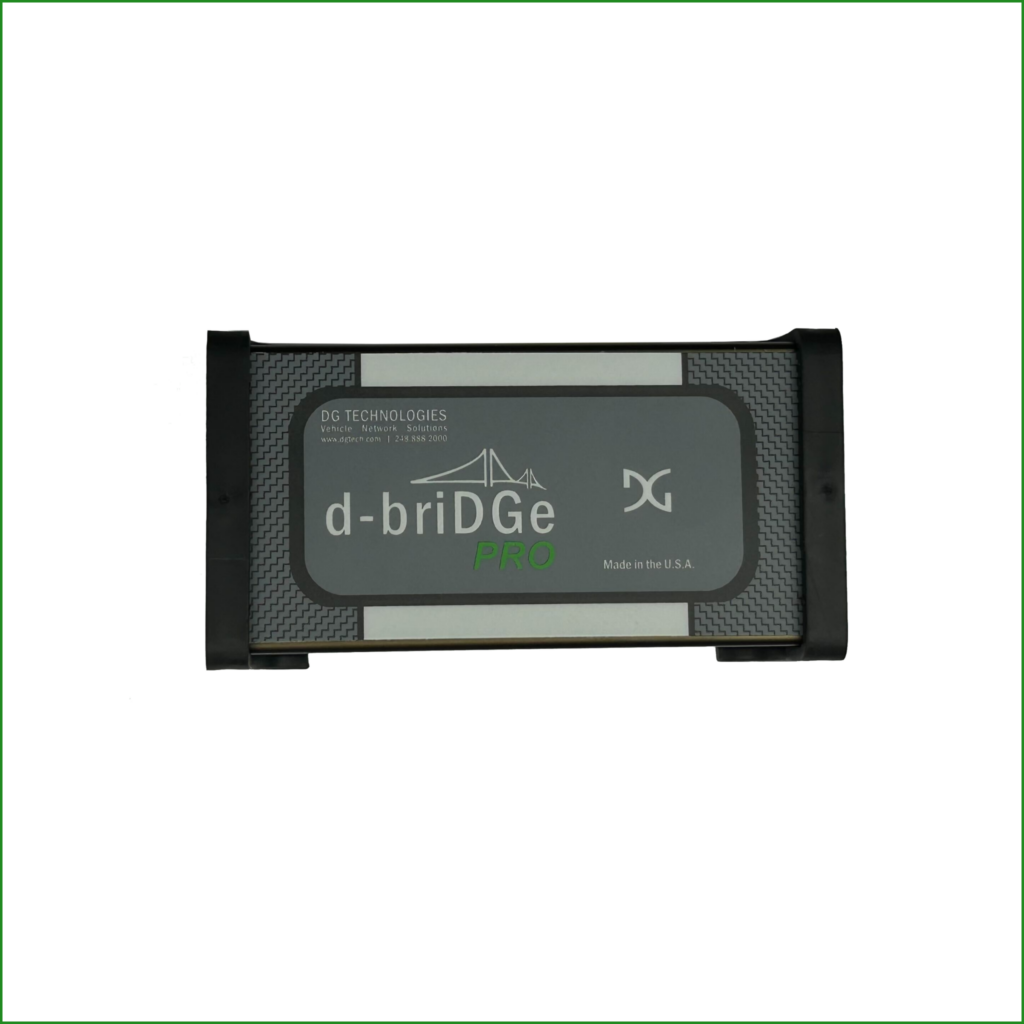
d-briDGe PRO
This update for DG’s d-briDGe PRO J2534 pass-thru vehicle network adapter updates the full stack of supporting software and firmware.
The install package includes updated versions of drivers, support applications, firmware and release notes.
The upgrade process requires two steps: 1. Run the installer. 2. Launch the firmware updater to complete the tool upgrade.
Continued use of this device may result in compatibility issues and limited performance. DG no longer provides tech support for this device.
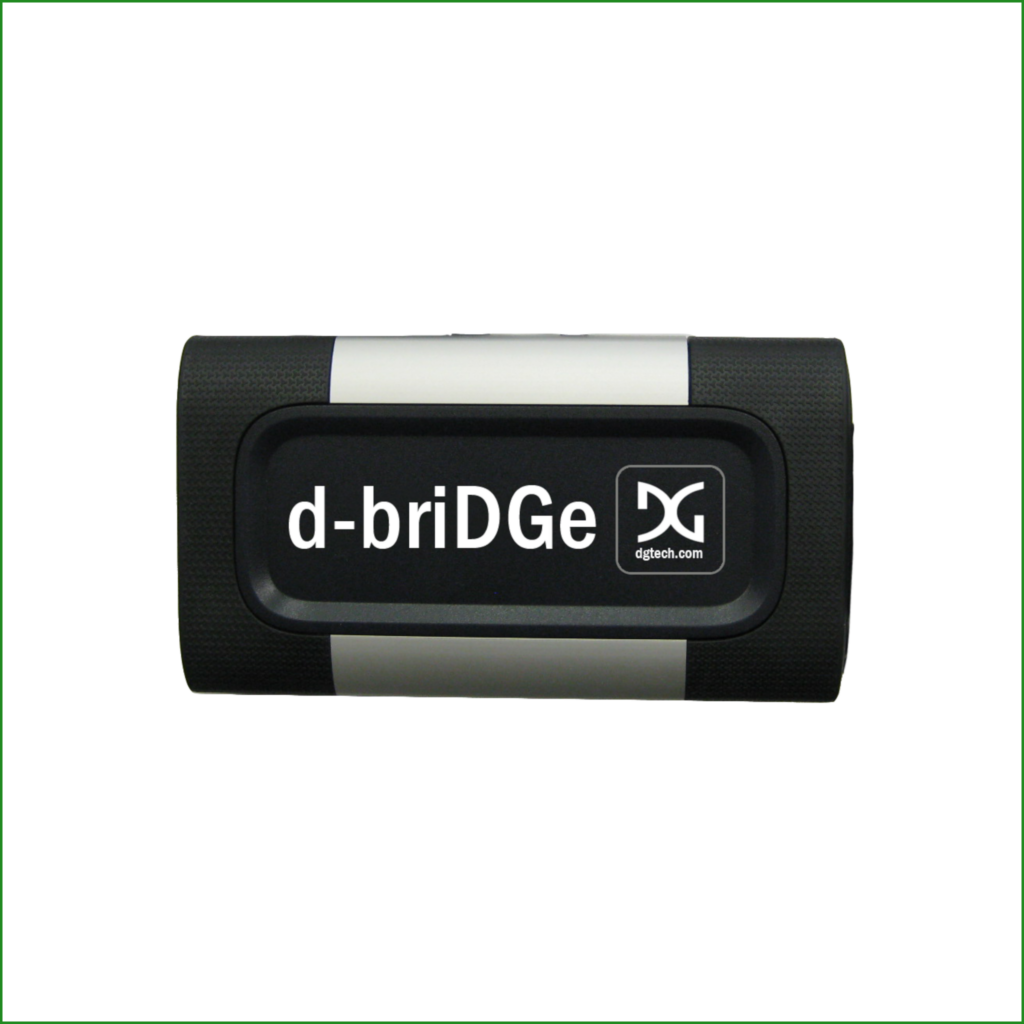
d-briDGe
This update for DG’s d-briDGe J2534 pass-thru vehicle network adapter updates the full stack of supporting software and firmware.
The install package includes updated versions of drivers, support applications, firmware and release notes.
The upgrade process requires two steps: 1. Run the installer. 2. Launch the firmware updater to complete the tool upgrade.
Continued use of this device may result in compatibility issues and limited performance. DG no longer provides tech support for this device.